



Diwa Game Sign Up: Create Your Free Account in 2 Minutes
Everything you need before registering, the exact steps, and how your new account connects to the welcome offer.
- FreeTo register
- 2 minSetup time
- 6-digitOTP check
- 18+Adults only

Diwa Game Sign Up: Create Your Account in Under Two Minutes
Registering on Diwa Game is quick, free, and designed for Indian mobile users. This guide covers everything you need before you start, the exact registration steps, and how your new account connects to the welcome offer.
A good Diwa Game sign up experience depends on preparation. When you have your phone number, a stable connection, and the official application ready, the whole process takes a couple of minutes. There is no paperwork to upload at the registration stage, and no fee to open an account. You simply verify your mobile number, set a password, and your profile is ready for use.
Because the platform is built for players across India, the registration screens are available in both Hindi and English. You can switch the language with one tap at the top of the form, which helps first-time users understand every field without guessing.
Registration Cost
Free to create an account
Time Needed
About two minutes
Verification
Mobile OTP, six digits
Minimum Age
18 years or older
What You Need Before You Register
Having these items ready prevents most registration errors.
- An Android phone with the official app
Install the verified package first. The standalone application supports Android 5.0 and higher, with 2 GB of RAM recommended for smooth performance.
- An active mobile number
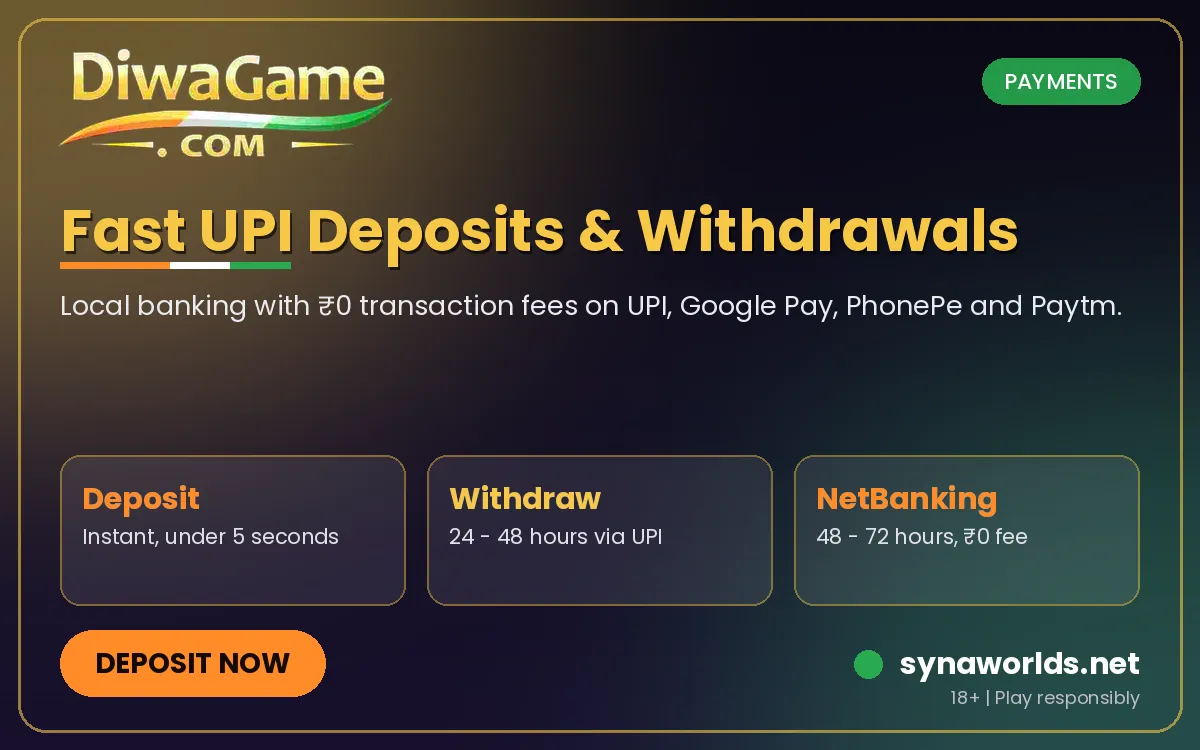
Use a number you control and can access right now, because the one-time password is delivered by SMS. This number becomes the key to your account, so avoid temporary or shared SIM cards.
- A stable internet connection
Wi-Fi, 4G, or 5G all work. A weak connection can delay the OTP or interrupt the form submission.
- Proof that you are an adult
Players must be at least 18 years old. The platform may request additional verification later, especially before withdrawals.
- A payment method for later
You do not need it to register, but a UPI app such as Google Pay, PhonePe, or Paytm makes the first deposit simple.
If you still need the installer, follow the safe installation walkthrough in the APK download guide before you continue.
Step-by-Step Diwa Game Registration
Follow these steps in order. Each one builds on the previous action.
Launch the App and Tap Register
Open the application and select the Register or Sign Up button on the welcome screen. If you see a login form instead, look for the small link that switches to registration.
Enter Your Mobile Number
Type your ten-digit number carefully. A wrong digit means the OTP goes elsewhere, and you will need to restart the process.
Verify with the OTP
Tap Send OTP, then enter the six-digit code from your SMS. Do not share it with anyone. If the message is delayed, wait for the resend timer before requesting another one.
Create a Strong Password
Choose a password with at least eight characters that mixes uppercase letters, lowercase letters, numbers, and a symbol. Avoid birthdays, phone numbers, or simple sequences.
Add an Invitation Code if You Have One
If a friend invited you, enter the referral code in the optional field. If you do not have one, simply skip this step.
Accept the Terms and Confirm Your Age
Read the platform terms, confirm that you are 18 or older, and submit the form. Your account is created immediately.
Complete Your Profile
Add a nickname and review your security settings. Turning on biometric unlock and two-factor confirmation is strongly recommended.
Important: Create only one account per person. Duplicate or shared accounts may be restricted by the platform’s anti-fraud system, which can delay bonuses and withdrawals.
Registration and the Welcome Offer
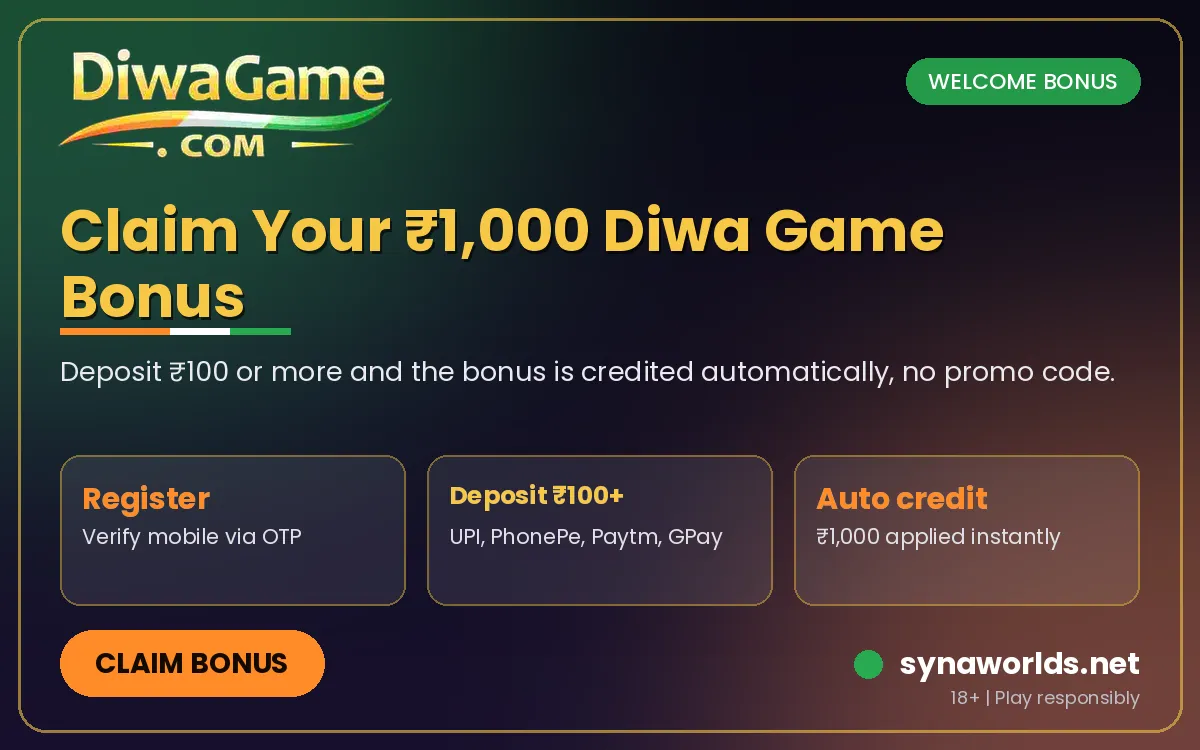
Creating an account is the first of several steps toward the starting package.
| Stage | Action required | Result |
|---|---|---|
| 1 | Install the official app | Ready to register |
| 2 | Verify mobile number with OTP | Account created |
| 3 | Deposit ₹100 or more | Payment confirmed |
| 4 | Automatic credit | ₹1,000 welcome bonus applied |
Registration alone does not credit the welcome package. The offer is released after a qualifying first deposit, as described in the in-app promotion rules. For a deeper explanation of conditions, contribution rates, and timing, read the complete bonus guide before you deposit.
Registration Problems and How to Solve Them
- Number already registered
This means an account already exists for that number. Return to the login page guide and use the Forgot Password option if needed.
- OTP never arrives
Check your network signal and spam filters, then wait for the timer. If the delay continues, try again on mobile data.
- Password rejected
The app may require a longer password or an additional symbol. Adjust and resubmit.
- Form freezes on submit
Close the app, clear its cache, and try again. Make sure you are using the latest official version.
Still stuck? Our contact us page explains how to reach the support team in Hindi or English.
Register Responsibly
Opening an account is a decision that deserves thought. Gaming involves financial risk, and you should only use money that you can comfortably afford to lose. Before you deposit, decide on a daily and weekly budget, and use the self-regulation tools available in the app. You can read practical advice on our responsible gaming page.
This website is an independent information portal and does not process registrations or payments itself. Registration happens only inside the official application. See our disclaimer for the full legal notice, and learn more about our editorial approach on the about us page.
Diwa Game Sign Up FAQ
Is it free to create a Diwa Game account?
Yes. Registration costs nothing. Only the optional first deposit for the welcome offer requires a minimum payment of ₹100.
Can I register with an email address instead?
The primary method is mobile number verification. Some builds also allow email details inside the profile, but the phone number remains the main identifier.
Can I change my mobile number after registering?
Changes require identity checks through support to protect your account from takeover.
Do I need to upload documents to register?
Not at the registration stage. Additional verification may be requested before withdrawals.
Can minors register?
No. The application is strictly for adults aged 18 and above.
Ready to Continue? Stay Safe and Play Within Your Limits
Use the official application only, protect your account, and set a budget before you play. Gaming is for adults aged 18 and above and should always remain entertainment.
Back to topSafety Notice & Responsible Gaming
Independent portal: This website provides informational and educational content about the Diwa Game application. It is not an official app store or the app operator, and it does not process payments or host real-money games. All trademarks belong to their respective owners.
Age limit: Strictly for users aged 18 or older. Minors must not participate.
Risk advisory: Gaming involves financial risk and can become addictive. Never spend money you cannot afford to lose and never treat gaming as income. If play stops being fun, take a break and speak with someone you trust or a qualified counselor.