



Diwa Game Login: Secure Sign-In Guide for Indian Players (2026)
Sign in with OTP, password, or biometrics, fix common problems fast, and keep your account protected.
- OTPVerified sign-in
- 3Login methods
- <15sTypical sign-in
- 24/7Hindi & English support

Diwa Game Login: Fast, Secure Access to Your Account
Your Diwa Game login is the single gateway to your wallet, bonuses, VIP progress, and every game in the library. This guide explains how to sign in correctly, which login methods are available, and what to do if something goes wrong.
Every returning player begins with the same simple goal: open the app, authenticate quickly, and get back to the action without friction. The Diwa Game login flow was designed around that goal. It supports mobile number verification with a one-time password (OTP), classic password sign-in, and biometric unlock on compatible Android phones. Each method is protected by the same encrypted connection, so you can pick the one that suits your device and your habits.
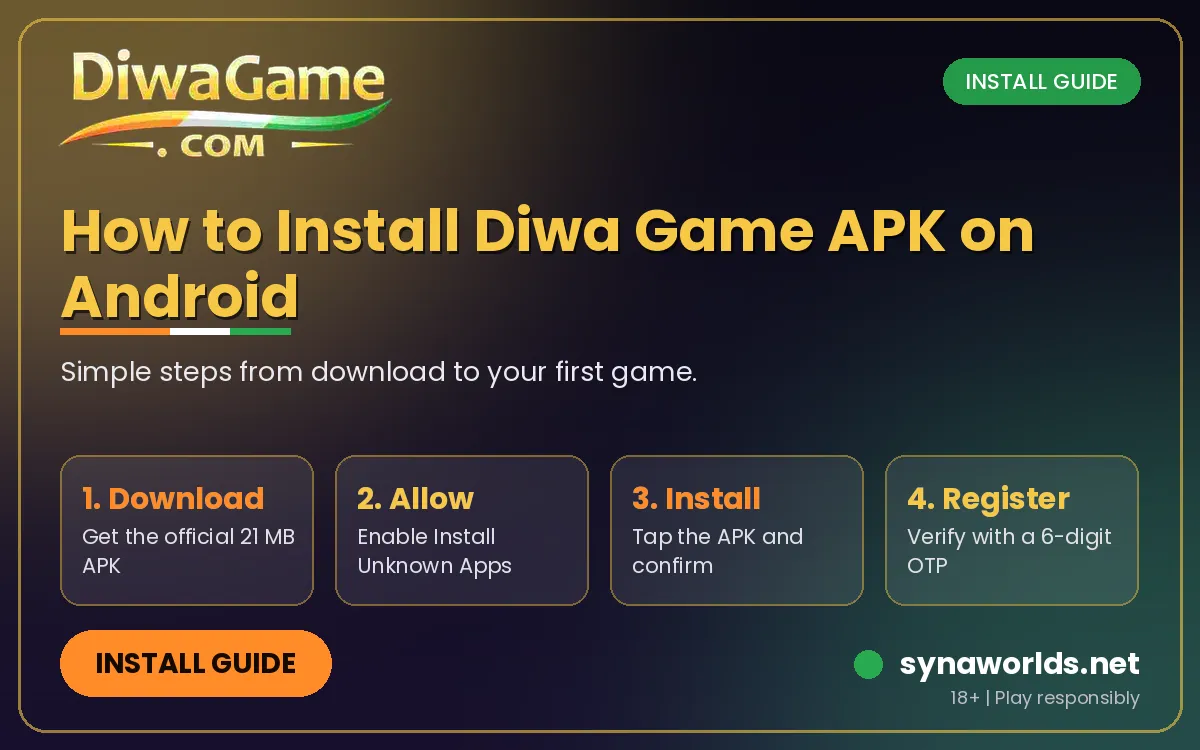
Before you sign in, make sure you have installed the latest official build of the application. Older packages may not support newer security features such as biometric authentication or the upgraded two-factor routine. If you have not yet installed the app, start with the official download guide and then return here to complete your first sign-in.
Login Methods
OTP, password, and biometric unlock
Average Sign-In Time
Under 15 seconds on a stable 4G link
Languages
Hindi and English interface
Protection
TLS encryption with 2FA checks
How to Log In to Diwa Game Step by Step
Follow these six actions the first time you sign in on a new phone. Returning sessions on a trusted device are usually shorter.
Open the Application
Tap the Diwa Game icon on your home screen or in the app drawer. Wait for the splash screen to finish loading. If the app shows an update prompt, accept it before continuing, because updates often contain login and security fixes.
Choose Your Sign-In Method
On the welcome screen, select Mobile Number or Password. New devices normally default to the mobile number option because it confirms that the phone belongs to you.
Enter Your Registered Mobile Number
Type the ten-digit number you used during registration. Do not add a leading zero or the country code unless the field asks for it. Double-check every digit, because a single typing error will send the code to the wrong number.
Request and Enter the OTP
Tap Send OTP and wait a few seconds for the six-digit SMS. Enter the code exactly as it appears. The code expires after a short period, so use it promptly. If it does not arrive, wait for the resend timer before asking for another one.
Confirm Device Trust
When the app asks whether to trust this device, choose Yes only if the phone is personal and protected by a screen lock. Trusted devices let you use biometric sign-in and skip repeated OTP prompts.
Reach Your Lobby
After verification, the app opens your lobby with your wallet balance, active bonuses, and recommended games. From here you can deposit, play, or review your VIP status.
Tip: Never share your OTP with anyone. Genuine support agents will never ask for your verification code, password, or full card details in chat or on a call.
Available Diwa Game Login Methods Compared
Different players value different things: speed, convenience, or maximum protection. The table below summarizes what each method offers.
| Method | Best for | Speed | Security level |
|---|---|---|---|
| Mobile number + OTP | New devices and first sign-in | Fast | High |
| Password sign-in | Players who dislike waiting for SMS | Very fast | Medium to high (depends on password strength) |
| Biometric unlock | Everyday use on a personal phone | Instant | High |
| Two-factor confirmation | Withdrawals and password changes | Moderate | Very high |
For most people, the best combination is OTP for the first sign-in on a new phone, followed by biometric unlock for daily use. This setup keeps your account fast to open while still demanding strong proof of identity whenever you move money or change sensitive settings.
If you do not have an account yet, finish the registration process first, then return to this page to sign in.
Diwa Game Login Not Working? Common Problems and Fixes
Most sign-in problems have simple causes. Work through the checklist from top to bottom before contacting support.
- OTP not received
Confirm your signal strength, switch off Do Not Disturb, and check that SMS filtering apps are not blocking short codes. Wait for the resend timer, then request a new code. Avoid pressing Send OTP repeatedly, since each new request cancels the previous code.
- Incorrect password message
Passwords are case sensitive. Check that Caps Lock is off and that your keyboard has not inserted an extra space. If you are still blocked, use the Forgot Password option to reset it through your mobile number.
- App stuck on loading screen
Close the app completely, clear its cache in Android settings, and reopen it. If the issue persists, switch between Wi-Fi and mobile data to rule out a network block.
- Account temporarily locked
Several failed attempts in a short time can trigger a protective lock. Wait for the lock timer to expire, then sign in carefully with the correct details or reset your password.
- Old app version
Outdated packages can fail to authenticate. Download the current official installer and install it over the existing app. Your account data stays on the server, so you will not lose your balance.
If none of these solutions works, reach the support team through the app or visit our contact page and describe the exact message you see on screen.
Protect Your Account After Every Login
A secure sign-in is only the first step. These habits keep your account safe over the long term.
- Use a unique password
Choose at least ten characters mixing letters, numbers, and symbols. Never reuse a password from email, banking, or social media.
- Sign in only on trusted networks
Public Wi-Fi in cafes or stations is convenient but risky. If you must use it, avoid deposits and withdrawals until you return to a private connection.
- Log out on shared devices
If someone else has used your phone, open the menu and log out when you finish. Do not save passwords in browsers on shared computers.
- Review account activity
Check your transaction history regularly. Report anything you do not recognize immediately.
- Set personal limits
A secure account is also a well-managed one. Review our responsible gaming guidance to set deposit and time limits that fit your budget.
New players should also read the bonus guide after their first login so that they understand how the welcome offer is credited and which conditions apply.
Diwa Game Login FAQ
Can I log in to Diwa Game on two phones at the same time?
For safety, the system may ask you to verify each new device with an OTP. Using one trusted phone at a time is the simplest and most secure approach.
What should I do if I changed my mobile number?
Contact support with your registered details so the team can guide you through identity verification before updating the number linked to your account.
Is there a limit on how many times I can request an OTP?
Yes. To prevent abuse, requests are rate limited. If you reach the limit, wait for the timer to finish and try again.
Does biometric login replace my password?
No. Biometric unlock is a convenience layer on top of your account. Your password and OTP remain available as backup methods.
Is the login page on this website the real sign-in screen?
No. This site is an independent information portal. Always sign in inside the official application, and read our disclaimer for details about what this website does and does not do.
About This Guide
This article is maintained by the editorial team behind the independent guide you are reading. To learn who we are and how we review applications, visit our about us page. Remember that every player must be 18 or older, and that gaming should always remain a form of entertainment rather than a way to earn money.
Ready to Continue? Stay Safe and Play Within Your Limits
Use the official application only, protect your account, and set a budget before you play. Gaming is for adults aged 18 and above and should always remain entertainment.
Back to topSafety Notice & Responsible Gaming
Independent portal: This website provides informational and educational content about the Diwa Game application. It is not an official app store or the app operator, and it does not process payments or host real-money games. All trademarks belong to their respective owners.
Age limit: Strictly for users aged 18 or older. Minors must not participate.
Risk advisory: Gaming involves financial risk and can become addictive. Never spend money you cannot afford to lose and never treat gaming as income. If play stops being fun, take a break and speak with someone you trust or a qualified counselor.