

Contact Diwa Game India: Support, Feedback and Safety Tips
Find the right support channel, prepare your message, and learn what to expect after you reach out.
- 24/7In-app chat
- 2Languages
- 0OTPs ever requested
- FastClear guidance
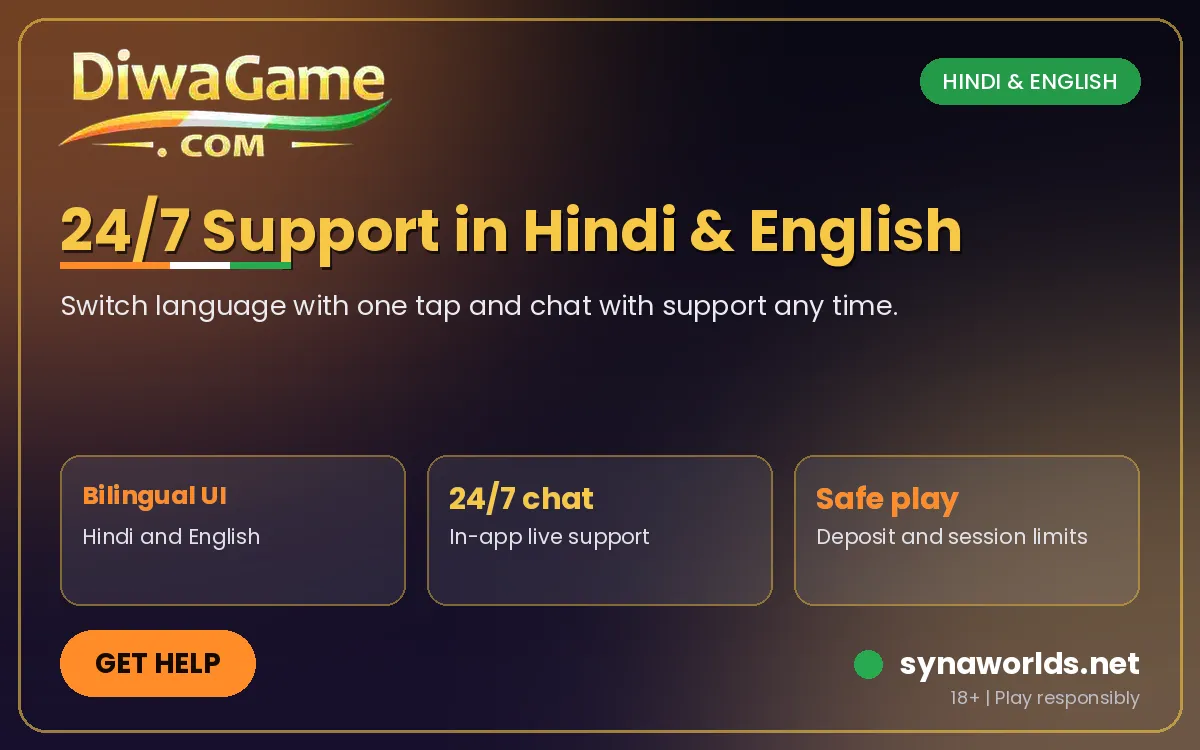
Contact Diwa Game India: Support and Feedback Options
Need help with installation, registration, a missing bonus, or a payment question? This page explains the quickest way to get an answer and how to prepare your message so that the team can solve your issue on the first reply.
Good support starts with sending the right information to the right place. There are two different channels to understand. Questions about your game account, wallet, or transactions belong in the in-app support chat, which is available 24 hours a day in Hindi and English. Questions about the guides on this website, such as corrections, outdated details, or suggestions, belong with our editorial team through the contact channels on this page.
Keeping these two paths separate saves you time. This portal is an independent information site and cannot see your account, reset your password, or approve a withdrawal. Only the support agents inside the application can do that.
In-App Chat
24/7 in Hindi and English
Account Issues
Handled inside the application
Website Feedback
Handled by the editorial team
Security
Never share OTPs or passwords
Choose the Right Support Channel
Use this table to find the correct place for your question.
| Your question | Best channel | Why |
|---|---|---|
| Password reset or locked account | In-app chat | Agents can verify your identity securely |
| Deposit or withdrawal delay | In-app chat | They can check transaction status |
| Bonus not credited | In-app chat | They can review your eligibility |
| Wrong information on a guide | This website | Our editors can correct the page |
| Broken link or image | This website | We maintain the pages |
| Partnership or media enquiry | This website | Handled by our editorial team |
If you are unable to sign in at all, begin with the login troubleshooting guide before you write a message. Many access problems can be solved with a password reset in a few minutes.
What to Include When You Contact Support
Clear details help agents respond faster. Gather these items first.
- Your registered mobile number
Give only the number, never the OTP. Agents use it to find your account.
- A short description of the problem
Explain what you tried, what you expected, and what happened instead.
- Exact error messages
Copy the text or take a screenshot. Precise wording often points to the cause immediately.
- Transaction references
For payment questions, include the date, amount, method, and the reference number from your UPI or bank app.
- Your device and app version
Mention your phone model, Android version, and the app build, which helps identify compatibility problems.
Security warning: Real support agents will never ask for your password, your OTP, your full card number, or your UPI PIN. If someone does, stop the conversation immediately.
Common Questions Players Ask Support
- Installation help
If the APK will not install, confirm that you allowed installation for your browser or File Manager and that your phone has enough storage. The download guide lists the most common errors and fixes.
- Registration trouble
Wrong numbers, delayed OTPs, and duplicate accounts are the usual causes. Review the sign-up instructions before you write.
- Bonus questions
Check the promotion terms and our bonus explanation first, then send your transaction details if the credit is missing.
- Payment timing
UPI deposits normally appear within seconds, while withdrawals can take 24 to 72 hours depending on the method and your bank.
- Account safety
If you suspect unauthorized access, change your password, enable two-factor confirmation, and contact in-app support right away.
What to Expect After You Reach Out
Knowing the process reduces frustration.
Acknowledgement
In-app chat usually connects you to an agent quickly. Messages sent to our editorial team are reviewed in the order they arrive.
Verification
For account matters, the agent may ask security questions to confirm that you own the account.
Investigation
Payment and bonus checks can take longer because they involve third-party processors and banks.
Resolution
You receive an explanation or a fix. If you disagree with the outcome, reply with any extra evidence and ask for a review.
Response times vary with demand, especially during festival periods and major cricket events, so please be patient and avoid sending the same message repeatedly.
Stay Safe While Seeking Help
Scammers sometimes pretend to be support staff on social media or messaging apps. Use only the official in-app chat for account matters. Never click unknown links, never install remote-access software at someone’s request, and never transfer money to a stranger who promises to fix a problem.
To understand what this website is and is not responsible for, read our disclaimer, and learn about our team on the about us page. If gaming begins to feel stressful or hard to control, visit the responsible gaming page for tools and guidance. Everyone using the application must be 18 or older.
How to Write a Message That Gets a Fast Answer
A well-written message can cut waiting time dramatically.
Start with one clear sentence that names the issue, for example a missing deposit, a failed installation, or a login error. Then add the key facts in order: what you did, when it happened, and what you saw on the screen. Keep each point short. Long emotional messages are understandable, but they hide the details that agents need.
Attach only relevant evidence, such as a screenshot of the error or the payment confirmation from your bank. Cover sensitive details like your password, card number, and UPI PIN before you share an image. State the result you want, such as a corrected balance, a reset password, or an explanation of a rule.
Finally, be polite and patient. Support teams handle many cases at once, especially during festival periods and cricket seasons. A calm, structured message is more likely to be resolved on the first reply, and it leaves a clear record if you need to follow up later.
Contact Us FAQ
Can this website reset my password or approve a withdrawal?
No. It is an independent portal. Account and wallet actions are handled only inside the official application.
Is support available in Hindi?
Yes. In-app support is offered in both Hindi and English, around the clock.
How can I report a mistake in a guide?
Use the editorial contact channel, name the page, and describe what is wrong so that we can verify and correct it.
Why has nobody answered my message yet?
High demand can slow replies. Avoid duplicate messages, which may push you back in the queue.
Should I send screenshots of my account?
Send screenshots of error messages, but hide your password, OTP, and full payment details.
Ready to Continue? Stay Safe and Play Within Your Limits
Use the official application only, protect your account, and set a budget before you play. Gaming is for adults aged 18 and above and should always remain entertainment.
Back to topSafety Notice & Responsible Gaming
Independent portal: This website provides informational and educational content about the Diwa Game application. It is not an official app store or the app operator, and it does not process payments or host real-money games. All trademarks belong to their respective owners.
Age limit: Strictly for users aged 18 or older. Minors must not participate.
Risk advisory: Gaming involves financial risk and can become addictive. Never spend money you cannot afford to lose and never treat gaming as income. If play stops being fun, take a break and speak with someone you trust or a qualified counselor.